Doctor's quick review guide
For the doctors and reviewers who answer the system's questions about lab test codes. Once a week, ten to fifteen minutes, on a phone or a laptop.
Why you are asked
When the system files a lab fax, every test on it gets a LOINC code — the code that makes the value trend on the chart with the earlier ones. For most tests the system knows the code. When a printed test name could mean more than one code ("Glucose" — serum or urine? "Vitamin D" — total or D3?), it does not guess: that value waits for the medical assistant to add by hand, and the question comes to you.
You answer each question once. From the next fax on, every report that prints that test — from any lab — files on its own. Nothing waits for you: the faxes keep filing while questions are open.
The routine
-
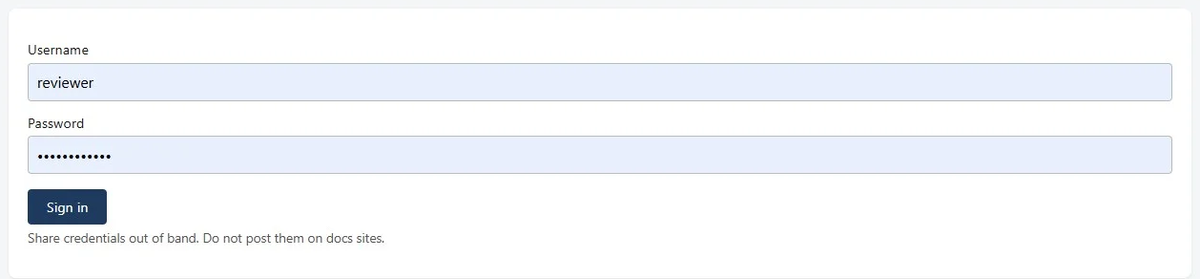
Open the staff site: https://fax-staff-gate.dhruv-5ef.workers.dev and Sign in with the practice's fax-app password (not your Elation password).
-
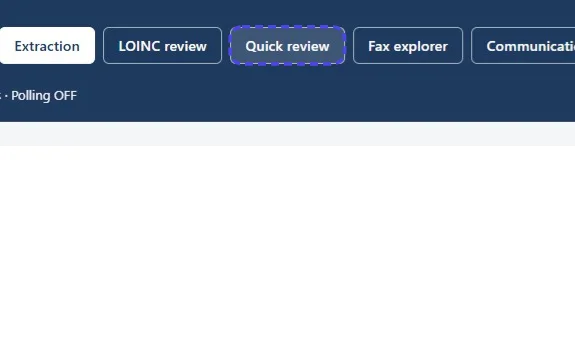
Open Quick review in the top bar.
-
The first time, the screen asks for your reviewer ID and name (for example
troandDr Tro). They are kept on that phone or browser and every answer is signed with them. -
You see one card at a time: the test name as printed on the fax, what the fax printed next to it (the kind of result, unit, panel, specimen, reference range, which lab), how many faxes asked the same question, and up to five codes. Read the card, make one of the four moves below, and the next card comes.
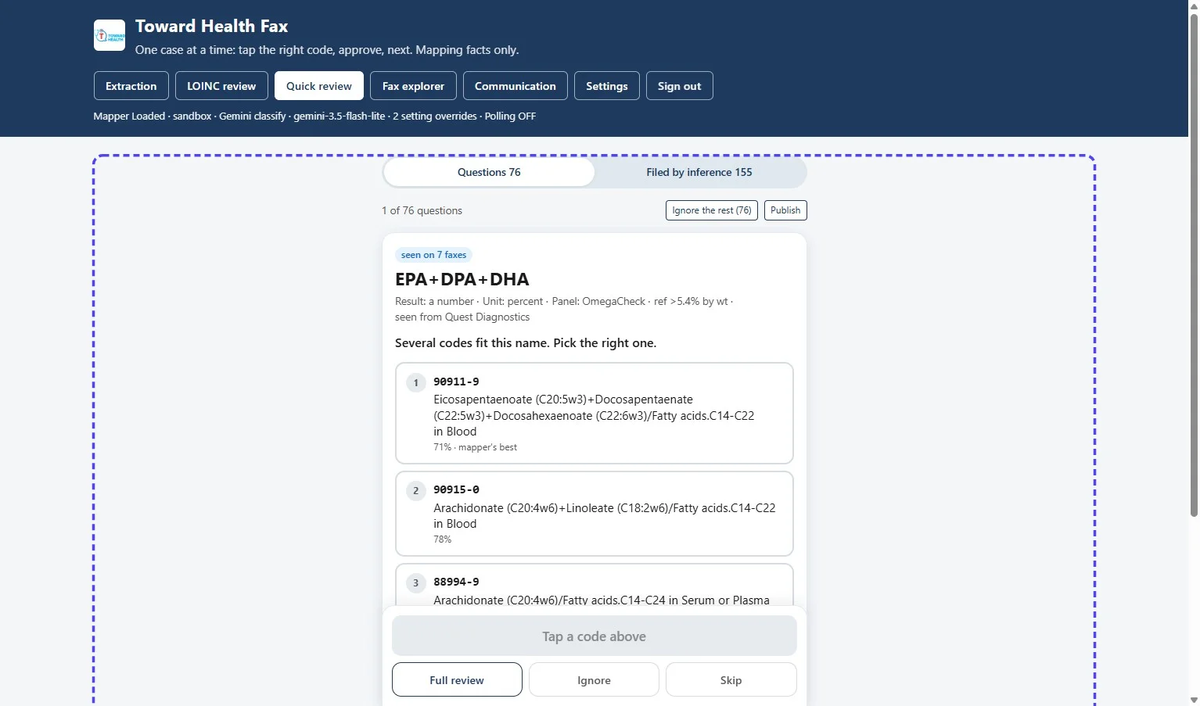
The four moves
| You think… | Do this | What happens |
|---|---|---|
| "I know which code it is." | Tap the code. Read the green line under the card. Tap Approve (or Confirm when it says the code was approved before). | Your answer applies from the next fax. Done. |
| "I'm not sure." | Skip. | Nothing is recorded. The card goes to the back of the list and comes again. Skipping is always fine. |
| "None of these five is right." | Full review. | The case goes to the full LOINC review page, where you (or a colleague) can search the whole LOINC list. The quick list moves on. |
| "This should never be trended." (a line that is not a lab result, a test the practice never trends) | Ignore. | The test name goes on the practice's ignore list: it is never asked again, and such a line is never counted as "left out" of a fax. Reopen on the full page undoes it. |
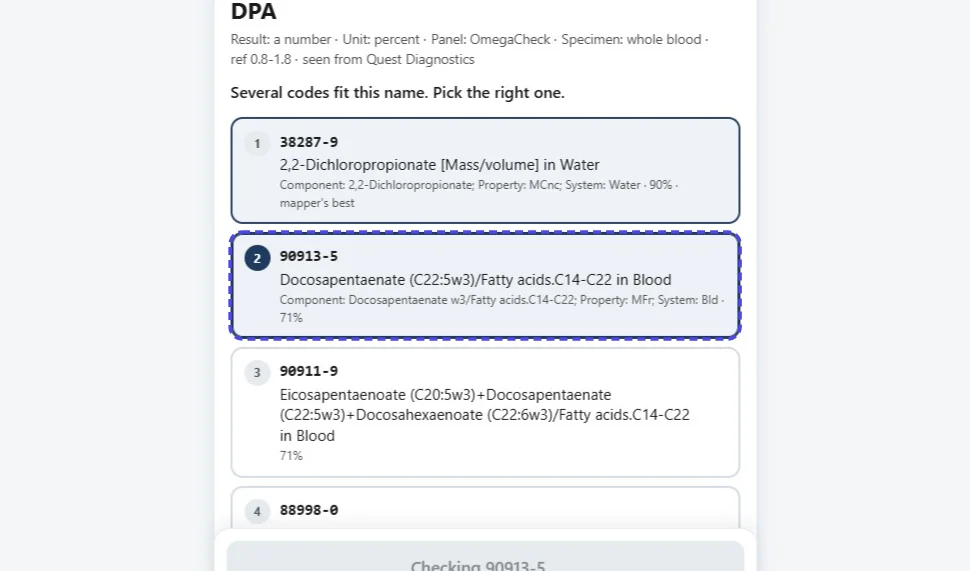
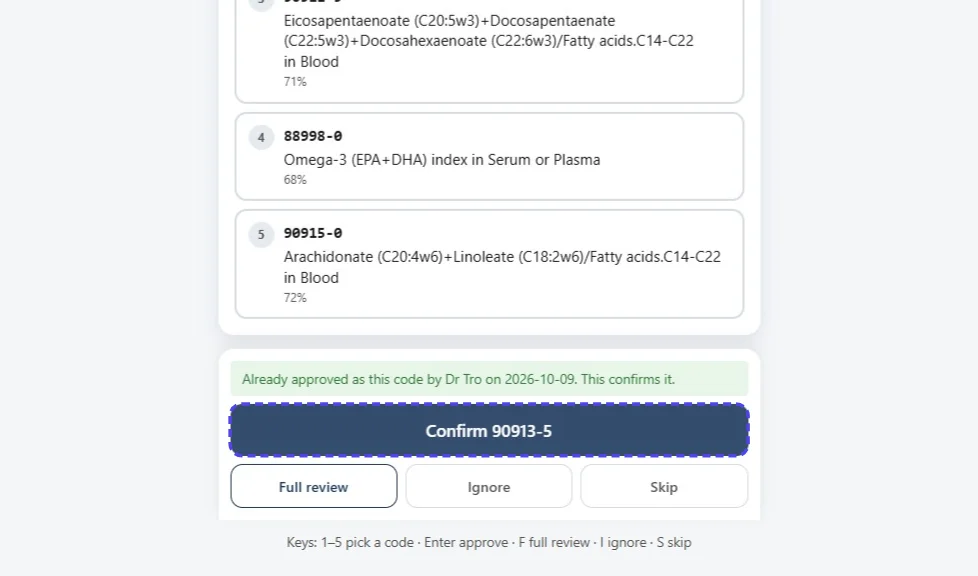
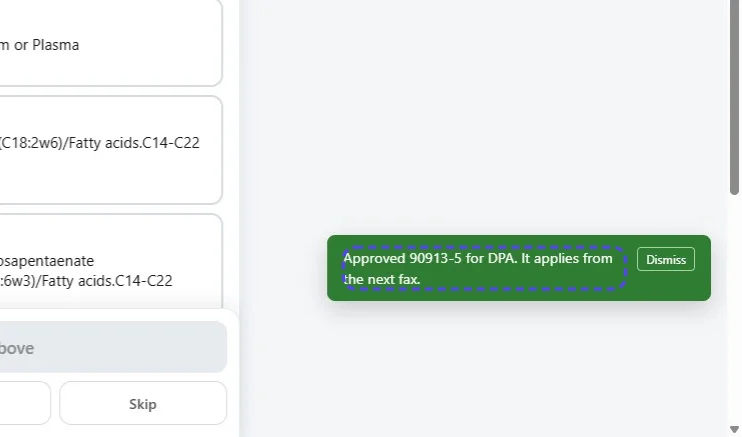
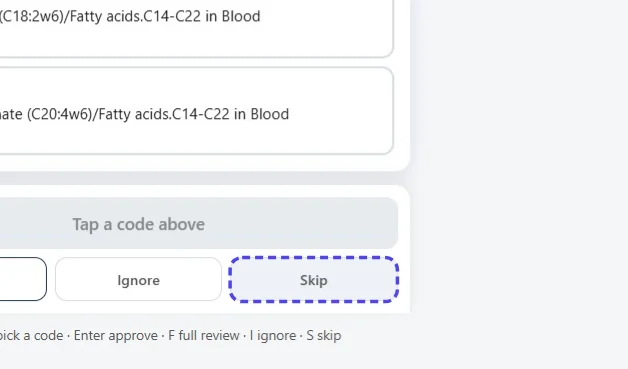
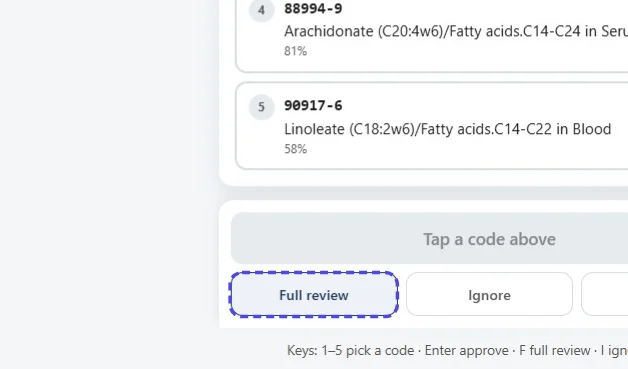
When the line says someone answered differently before — "Dr X approved
When the line says the code does not fit — for example a code for a number on a test that printed a word — the card tells you why; pick another code, or Full review.
The second tab: Filed by inference
Questions is the list above. Filed by inference is the other tab: tests the system already filed to the chart, but with less certainty than usual (it had to repair a misread name, or chose between close codes). The value is on the chart; the card asks you to confirm the code.
- Confirm all confirms every card nothing argues against — do that first.
- What is left needs a look: tap the right code, or Full review.
Finishing: Publish
At the top of Quick review, Publish… then Confirm publish certifies your approvals in the practice's mapping list. Do it at the end of each review. If you forget, nothing breaks: approvals already apply from the next fax, and Publish can be done next time. An approval that cannot be published comes back to you with the reason, under Needs attention on the full page.
Rules of thumb for picking a code
- Match the specimen: in Serum or Plasma, in Blood, in Urine are different codes. The card says which the fax printed, when it printed one.
- Match the kind of result: a number, a percent, a ratio, a titer, a word (positive/negative) — each is its own code. A percent of a total is not the mass concentration.
- Match the method or qualifier when the name prints one: IgG vs IgM, calculated vs measured, total vs a fraction. The code with the same qualifier wins.
- The system's "best" mark is a hint, not a verdict — it is often wrong for screens, antibodies and look-alike names.
- Two codes that look identical to you: Full review, and search with the unit; or Skip and ask a colleague.
- Never guess. A wrong code puts the value on the wrong trend line for every future fax.
Ignore the rest
At the end of a review, Ignore the rest (next to the counter) puts every question still open on the ignore list at once. Use it only when you have looked through what is left and none of it should be trended. Disputes, cases sent to Full review and values already filed are not touched.
A wrong code on a chart
If a value is on the chart under the wrong test (the system was sure, and wrong):
- In the fax app, Fax explorer → open the fax → Rows → Wrong code on that row; or
- LOINC review → New correction: the test name, the wrong code, why.
A disputed card opens; pick the right code and Replace. The chart entry itself is corrected in Elation by the MA; your answer fixes every future fax.
Privacy
These screens show test names, units and codes — never a patient's name, date of birth or chart. Do not type patient details into a rationale or a note.
The full page, when you need it
LOINC review in the top bar is the complete screen: every case, the search box over the whole LOINC catalogue, the decision form with a written rationale, and the publish log. The LOINC review guide describes it step by step. Most weeks, Quick review is enough.